How Vleyr Works
From request to resolution. Participants use the Vleyr app to submit and manage requests.
Vehicle monitoring (car sitting), step by step
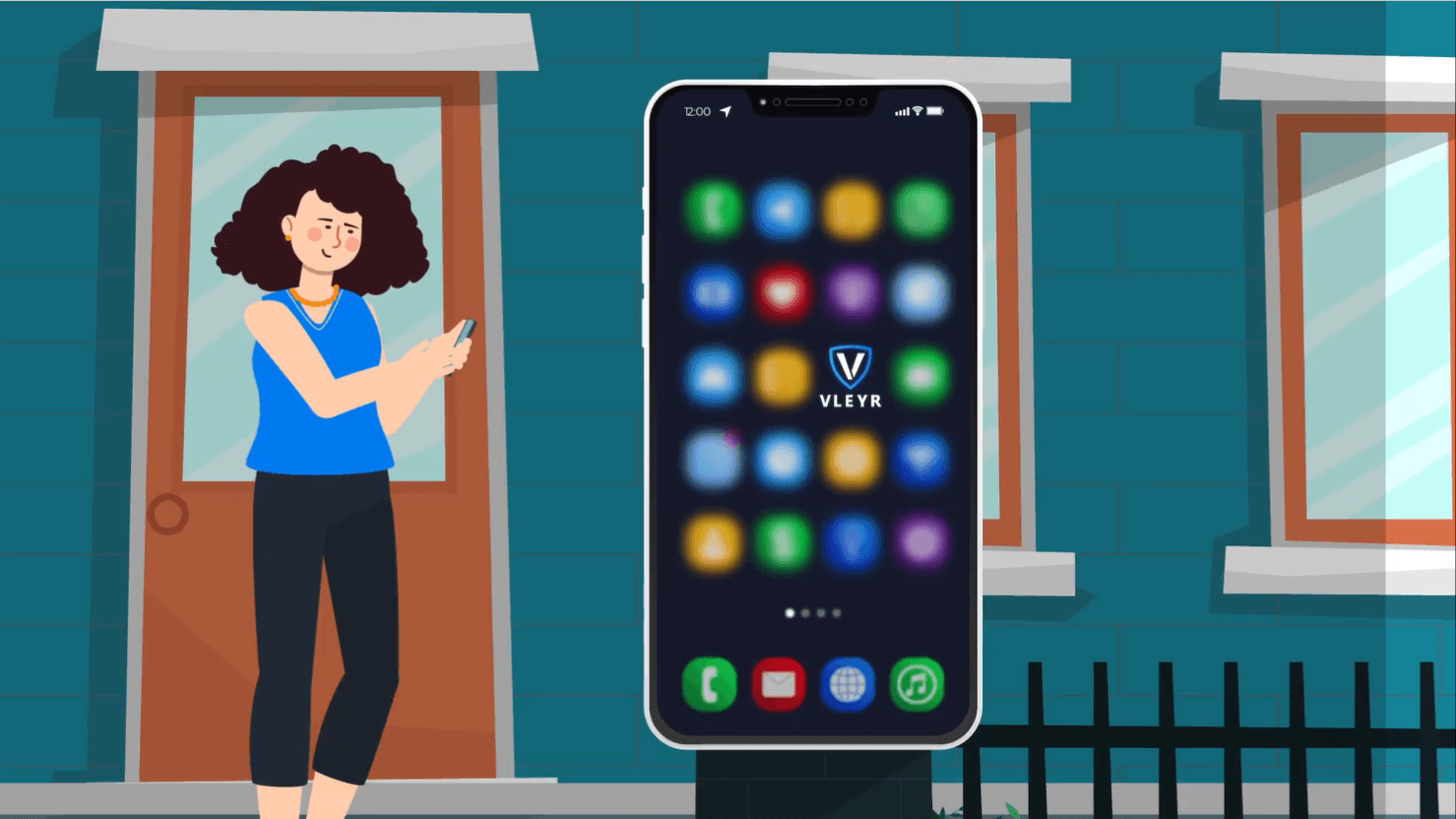
1.Sign Up & Add Your Vehicle
Download the Vleyr app, create your account, and register your vehicle. Complete signup in the Vleyr app and accept the Pilot Terms & Conditions.
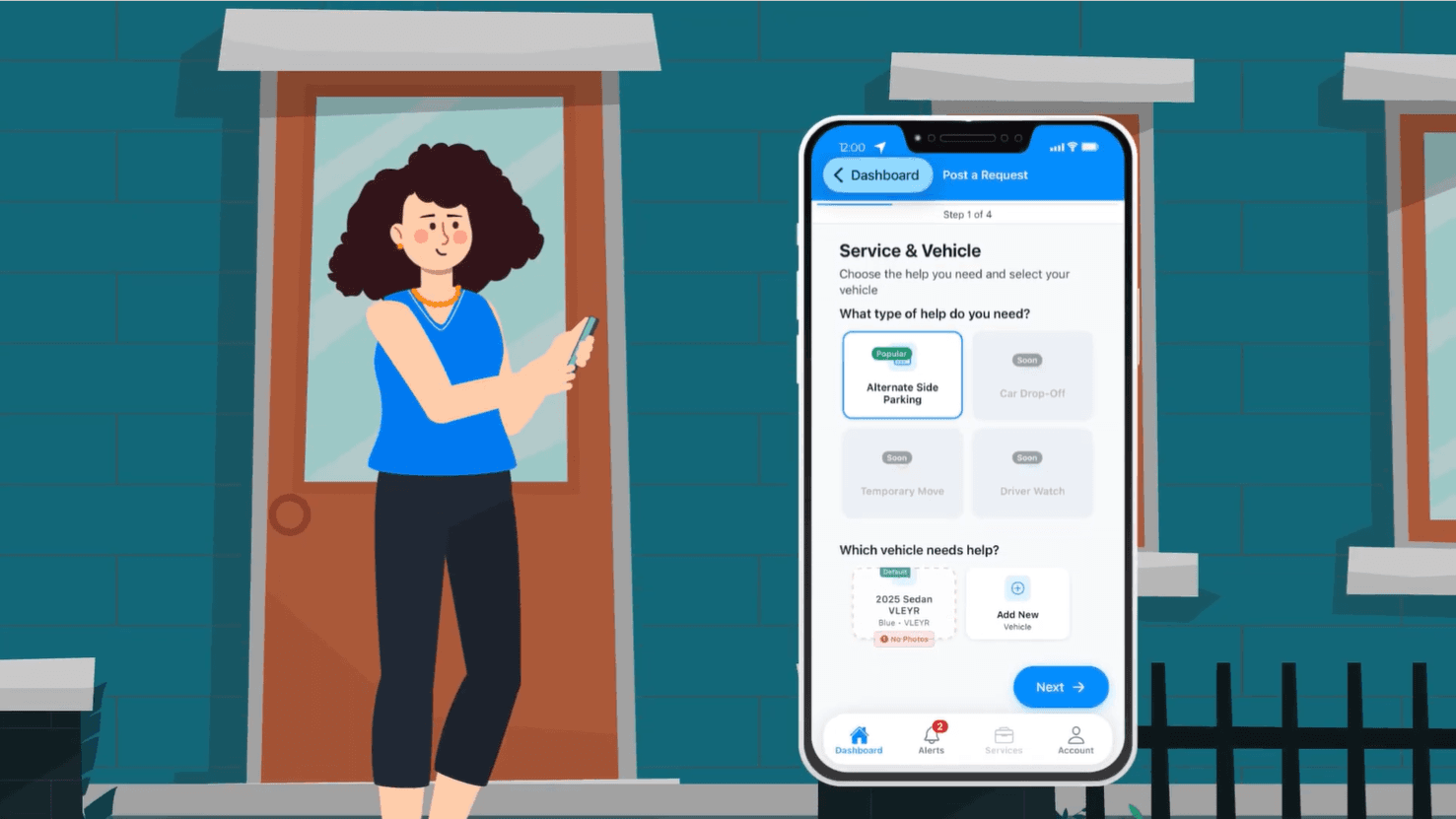
2.Request Car Sitting
Park your car, choose a time window and duration, and submit your request.
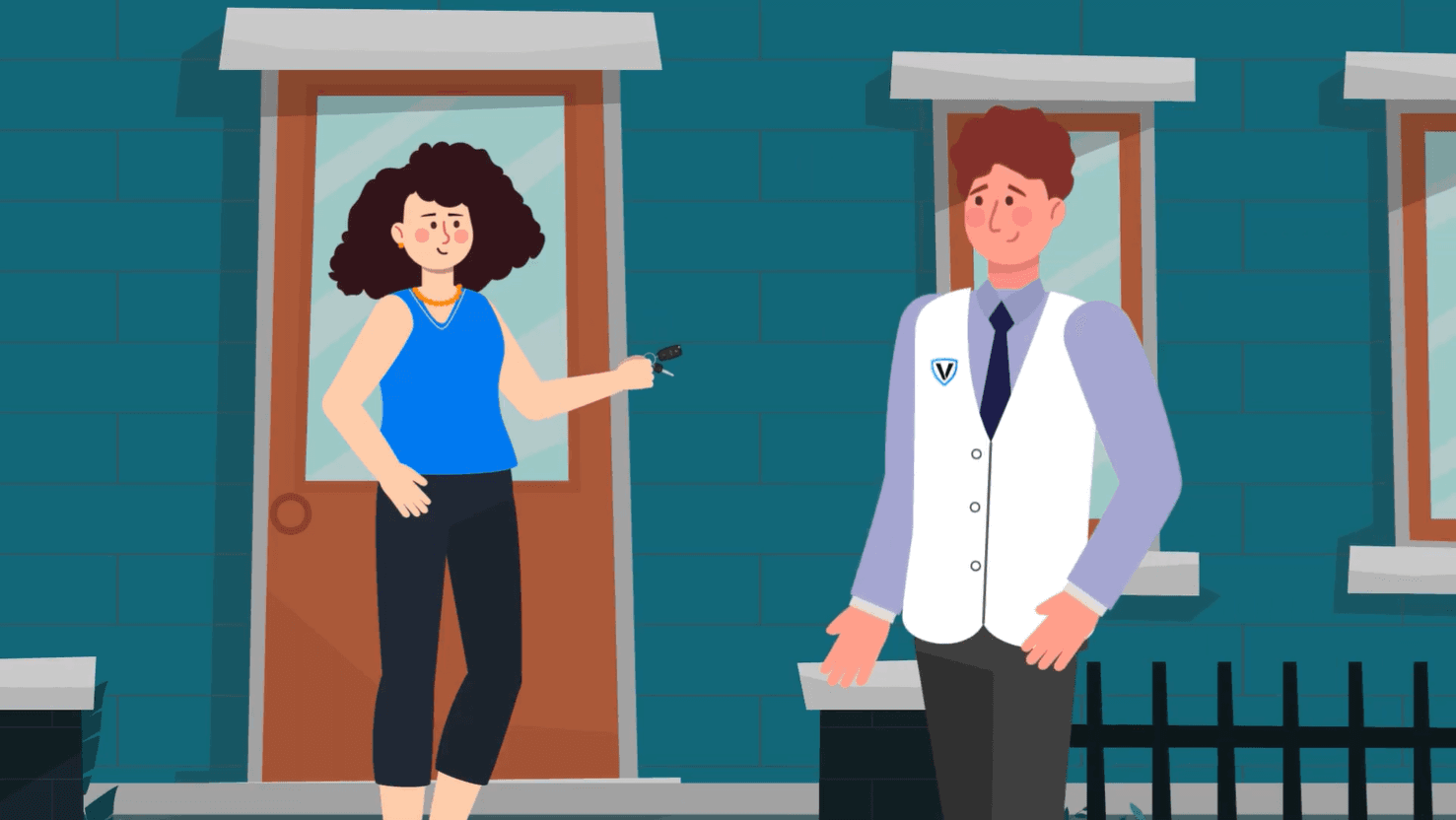
3.A Vleyree Accepts Your Request
Vleyr connects your request with an available Vleyree provider when applicable. You'll see their profile and rating before the job begins.
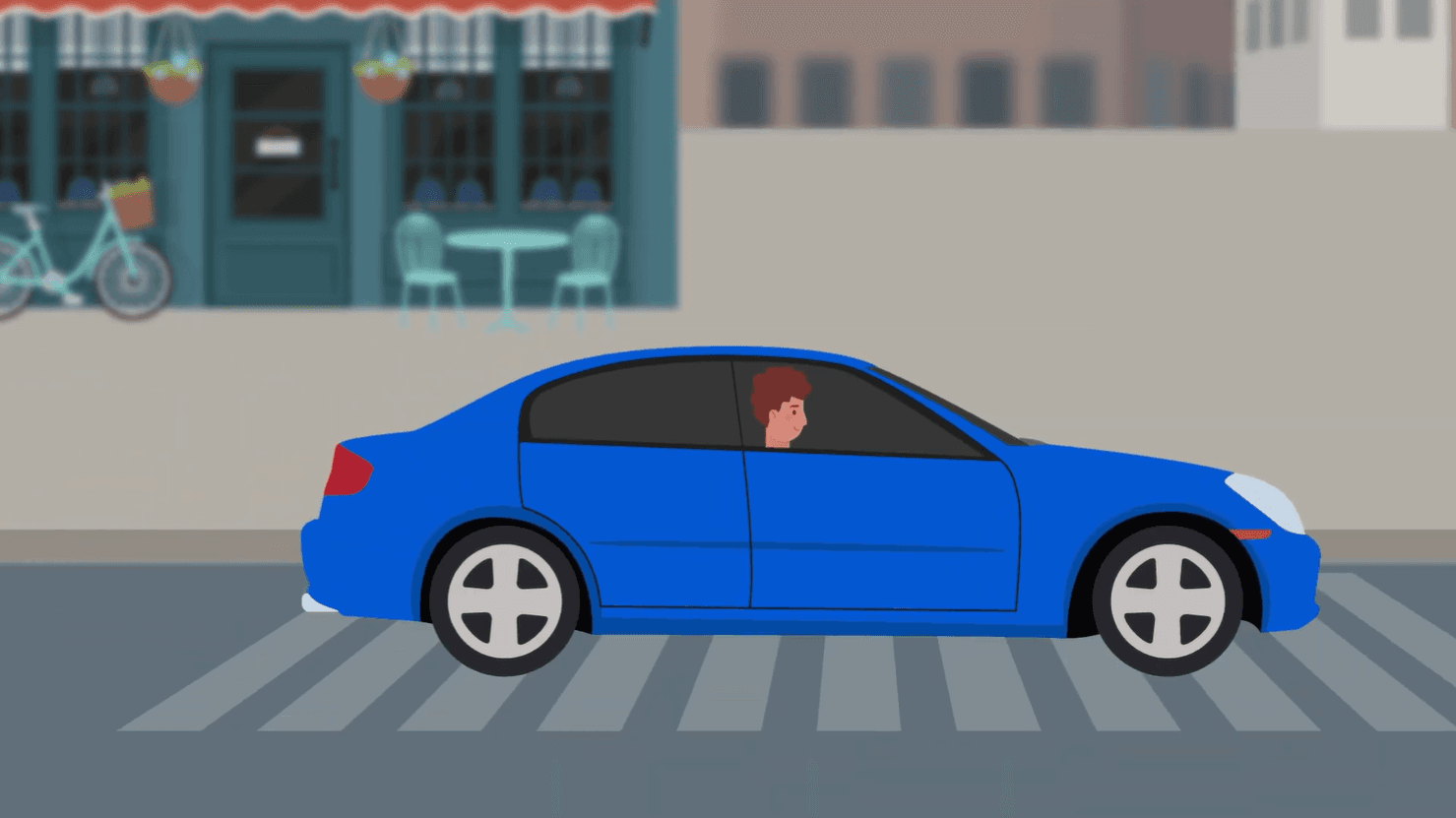
4.A Vleyree Stays With Your Car
Your Vleyree stays with your car and doesn’t move it. You get updates when they arrive and while they monitor your car.
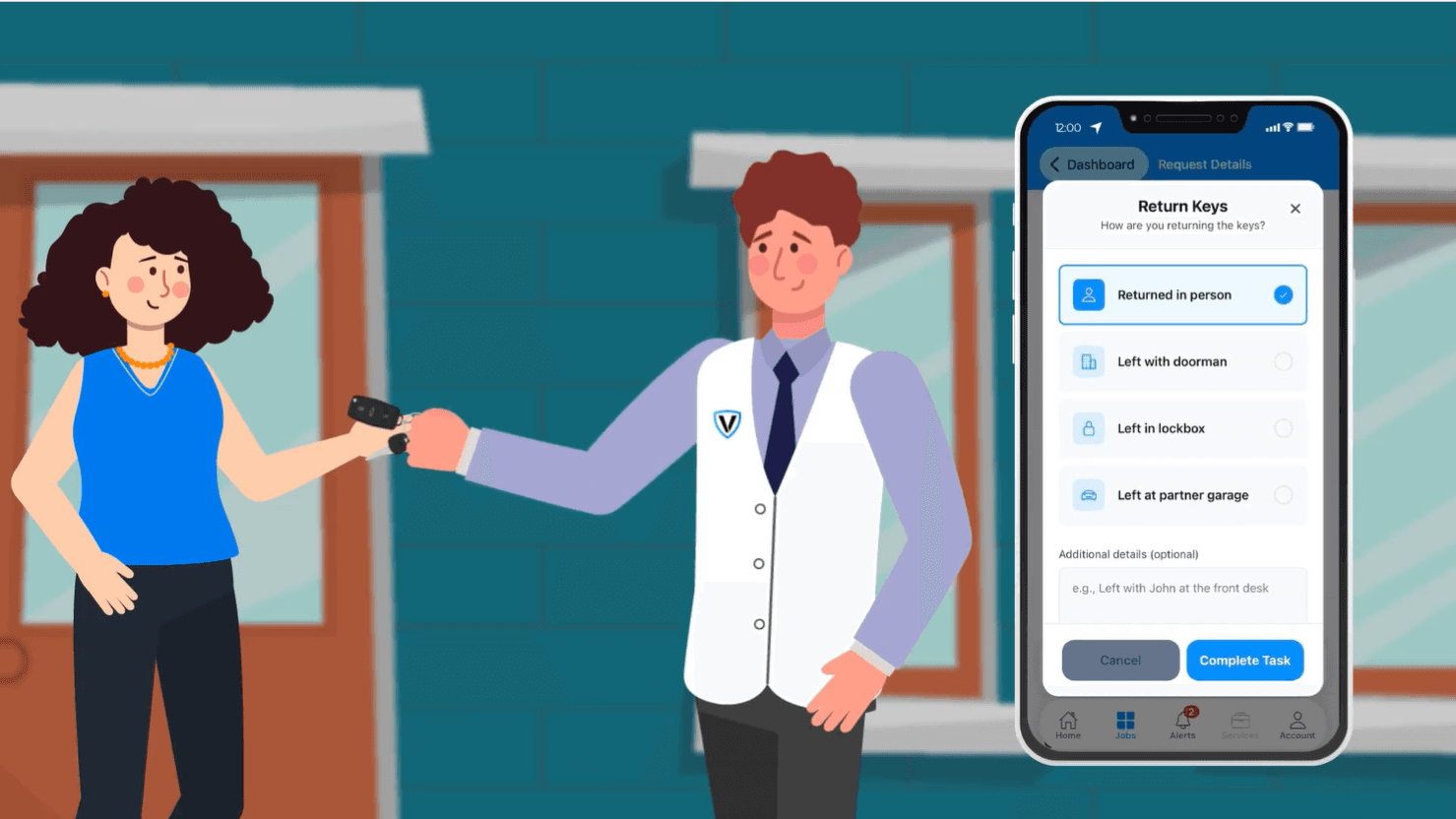
5.Confirm Completion
Review the completed request and receive a record of the service. Rate your Vleyree and you're done.
What a Vleyree Doesn’t Do
You park the car. A Vleyree stays with it and doesn’t move it.
No Driving or Re-Parking
Vleyrees don’t drive, move, or re-park your car.
No Key Boxes
No key boxes are used during the current Pilot.
Built on Trust
Every interaction on Vleyr is designed with safety, transparency, and accountability at its core.
Identity & Verification
Applicable identity and verification requirements for participating Vleyree providers.
Real-Time Visibility
Stay informed and receive updates throughout an active request.
Accountable Workflows
Requests, actions, and confirmations are recorded throughout the experience.
Ready to Get Started?
Join the community that's redefining curbside coordination. Download the app and sign up for early access.
Join the Waitlist